
Data Protection During Android Repair: Activate Maintenance Mode!
Your personal data during Android repair - Smartphones have become an indispensable part of our daily lives, containing a vast amount of personal information. When your phone needs repair, it's completely normal to worry that your personal photos, messages, and applications might fall into the wrong hands.
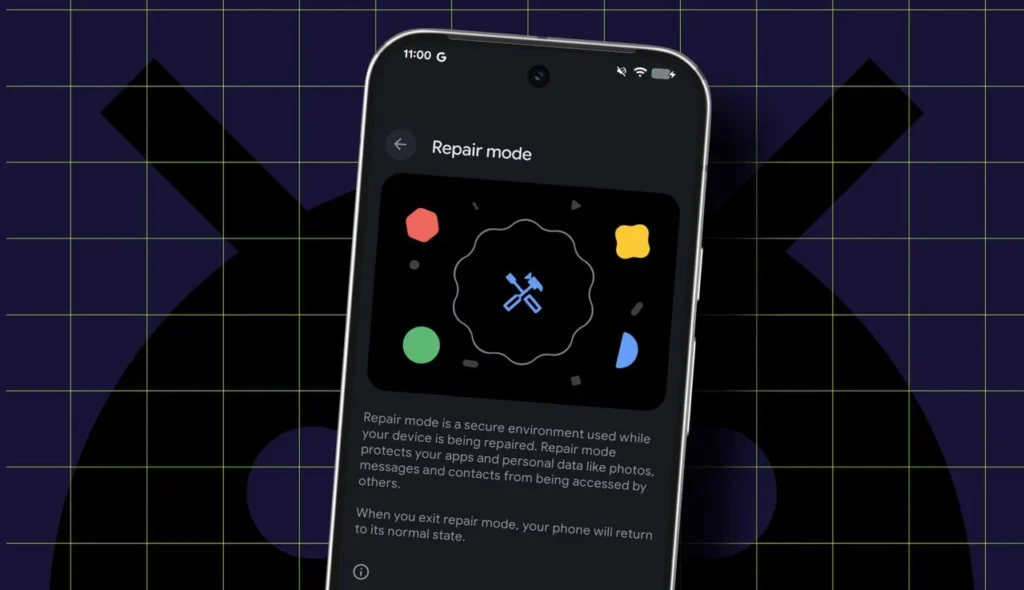
To alleviate such concerns, the Android operating system offers a special function called “Maintenance Mode” (also known as “Repair Mode” on some models). This mode is designed to ensure the security of your personal data before you hand over your device to a service center.
When Maintenance Mode is activated, your phone temporarily switches to a “clean” state. This means that technicians can freely check the device's functionality, but they will not be able to access your personal files, photos, videos, installed applications, and messages.
This function fully protects the confidentiality of your data throughout the repair process. Service specialists will only be able to view basic system functions and pre-installed applications, which is entirely sufficient to carry out the repair efficiently.
When you get your device back from the repair center, it is enough to deactivate Maintenance Mode, and all your personal data will be accessible again as before. This simple step is of great importance in terms of protecting your phone's security and personal privacy.
It should be noted that this function may be named differently or located in a different place depending on your Android phone model and operating system version. However, the main purpose remains unchanged: to ensure the protection of your personal data during the repair process. Be sure to activate this mode before handing over your device for repair.
Reader comments
There are no comments yet. Be the first to comment.
Write a comment