
Advanced Protection in Android 16: How to Enable Google's Most Important Feature?
Android 16 Security Enhancement How - Google's security enhancement in Android 16 - In the digital world, the security of personal data and devices is of particular importance today. For Android users, there is a powerful yet often overlooked feature provided by Google: the Advanced Protection program.
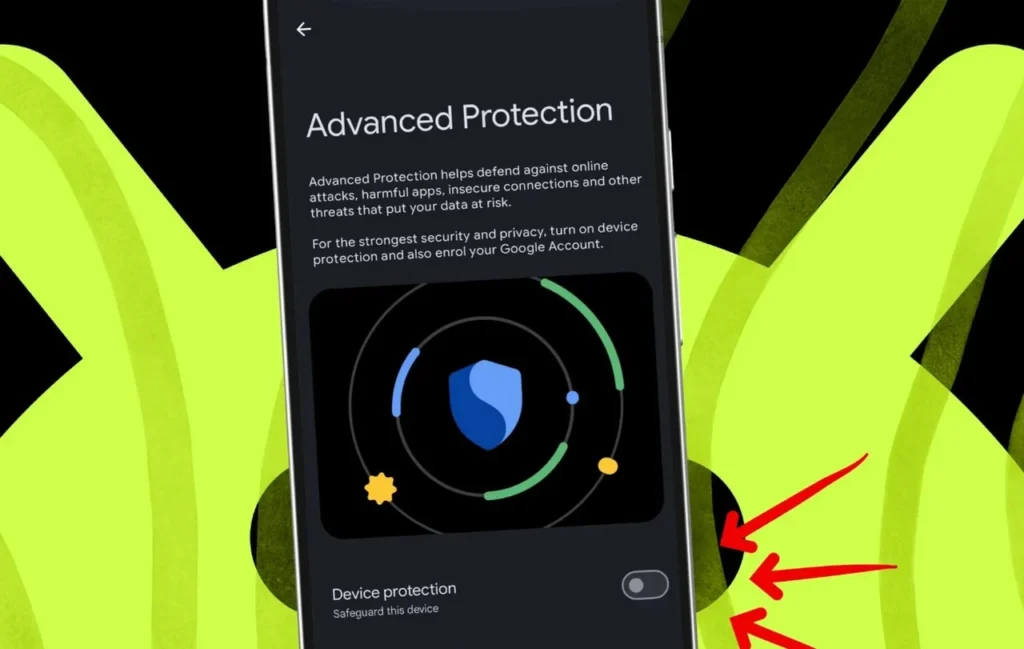
This program aims to protect users in high-risk groups, such as journalists, activists, or political figures, from sophisticated cyberattacks. As Google itself emphasizes, this is one of the company's most fundamental security features and is located behind a simple setting.
Advanced Protection implements enhanced identification measures to prevent unauthorized access to your device. This means more effective protection against phishing attacks, prevention of malicious software installation, and even minimizing the risk of your account being compromised.
Enabling this important protection measure in the Android 16 operating system is simpler than you might think. You can simply access your device's settings, find the Advanced Protection program in the relevant section, and activate it. This can significantly enhance your digital security in just a few steps.
Activating this feature is strongly recommended, especially for individuals whose personal and professional data is highly sensitive, as well as anyone who could be a potential target of cyberattacks. However, it is also an excellent choice for every user who pays special attention to their digital security.
Overall, the Advanced Protection program in Android 16 is one of the most powerful tools Google offers to protect its users from the latest cyber threats. Don't forget to enable this feature to bring your device's security to the highest level.
Reader comments
There are no comments yet. Be the first to comment.
Write a comment